


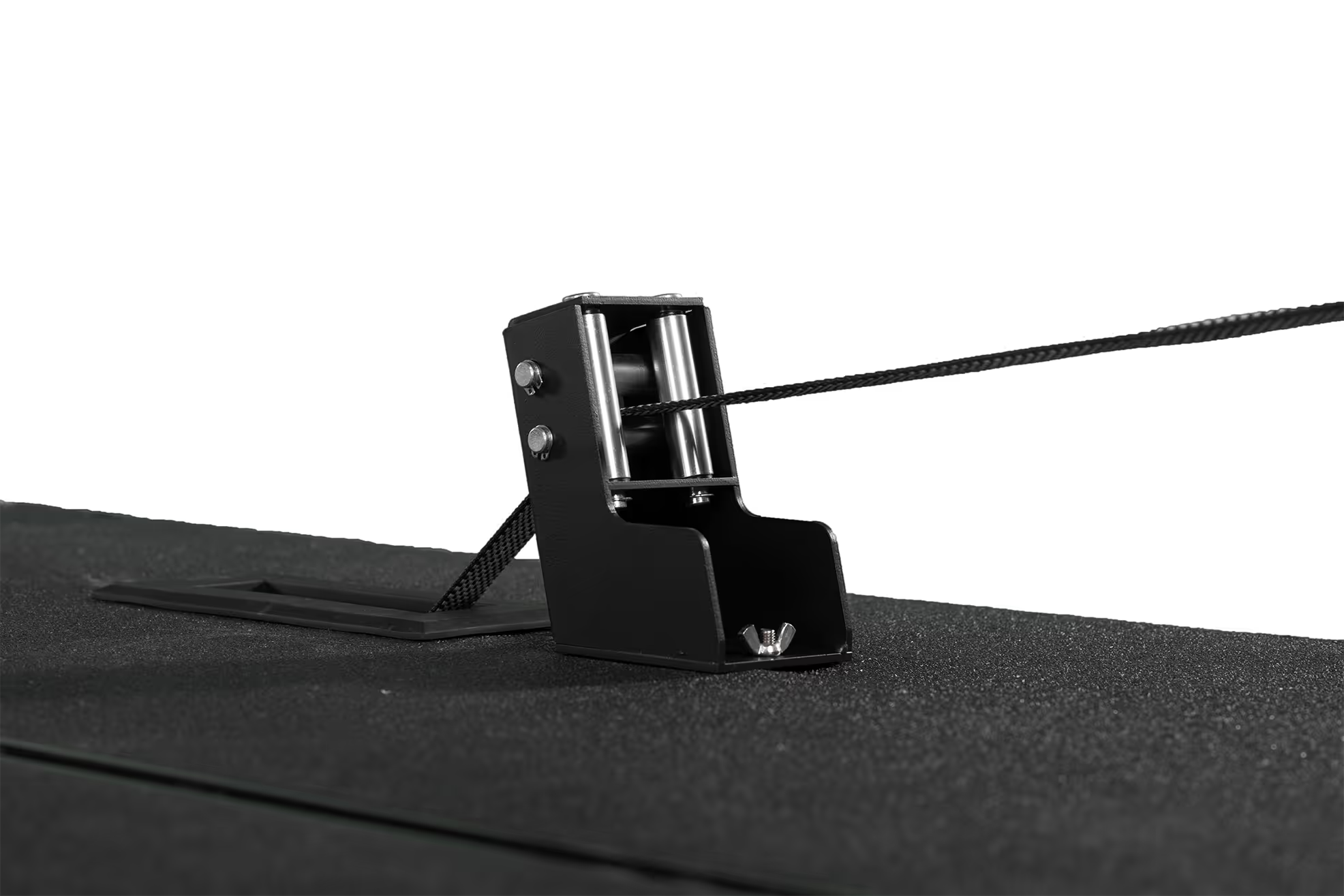




With the release of a new version of the Exerfly App, we want to highlight practical ways that it can be used to guide flywheel training.
I will be focusing on three key uses of flywheel training:
- Within-Session Feedback
- Testing and Selecting Inertial Loads
- Monitoring and Progressing Training
Today’s blog will focus on within-session feedback, and how the Exerfly App can be used to drive training quality and manage fatigue.
But first, let’s briefly talk about the value of data feedback for flywheel training.
The Value of Data Feedback During Flywheel Sessions
Flywheel training resistance is primarily inertial, generated by the effort and force required to accelerate and decelerate flywheel plates. The resistance during each rep is directly tied to how much force and effort you put into the concentric phase. We refer to this concept as user-defined resistance.
User-Defined-Resistance
The harder and faster you accelerate the flywheel during the concentric phase, the more kinetic energy you build into the system and the more energy returned as an eccentric resistance. Submaximal effort produces submaximal resistance, while maximal effort produces a resistance only limited by how much you can put into the movement to accelerate the flywheel plates. The inertial load (size and number of flywheels) can influence the force-velocity characteristics of the movement, but your input is what dictates the exact stimulus provided within that general force-velocity range.
The user-defined resistance is an advantage of flywheel training. The resistance meets the trainee where they’re at in real-time; scaling down with fatigue and ramping up as they get stronger. But the amount of resistance is not directly observable without some sort of accompanying data.
This is where outputs from the Exerfly App are valuable. The high-performance sensors built into each Exerfly Flywheel Training device provides a stream of real-time data which is used by the app to calculate key metrics during the concentric and eccentric phase of each rep. This provides insights into movement velocity, acceleration, and torque applied to accelerate and decelerate the flywheel plates.
As a result, the app provides a rich source of real-time feedback that can be leveraged within training sessions.
Within-Session Feedback
Real-time data feedback is one of the most immediately practical uses of the Exerfly App. Within a session, it serves two distinct purposes:
- Driving the effort and intent required to maximize training quality, and
- Managing how much fatigue accumulates within and across sets.
Setting Targets and Driving Intent
Providing trainees with real-time velocity or power feedback consistently produces higher outputs compared to training without feedback. For example, research has generally shown that receiving feedback during strength training sets leads to both improved outputs within sessions and better outcomes over time (1).
In flywheel training the importance of feedback is amplified by the nature of the resistance. The total resistance during each rep is directly linked to how much the trainee puts into the concentric phase of the movement. The more forcefully they accelerate the flywheel, the more kinetic energy is stored and then returned as an eccentric resistance on the way back. A target output to hit along with real-time augmented feedback can help ensure the trainee is engaged and providing full effort during each rep.
Using the Minimum Threshold Feature
The Exerfly App's Minimum Threshold feature allows you to set a target value for any metric. Each rep is visually flagged as above or below that threshold in real time, giving immediate feedback on rep quality, as well as the ability to quickly evaluate set performance.

How to use this feature to drive engagement and intent:
- Identify a target output for a given inertial load. A simple way of going about this is to use the average output from your previous session (e.g., average peak velocity across your best 5 working reps) or a target at or just above your typical outputs.
- Set the minimum threshold target in the app to this target output.
- Perform your set, trying to exceed that threshold on each rep.
- Evaluate your performance based on 1) whether your average output for your working reps is greater than the target and/or 2) based on the number of reps beyond that threshold.
- Increase the challenge over time. For example, if using velocity, you can aim for more reps beyond the threshold, increase the velocity threshold value (move the same load faster) or try to hit the same target with progressively higher inertial loads (move more load at the same velocity).
This provides several benefits simultaneously. It encourages maximal effort during each rep, increases engagement during the session by providing a tangible target to aim for, and promotes progressive overload over time.
Managing Fatigue Within and Across Sets
Flywheel training outputs tend to drop across a set or session with the buildup of fatigue. This reflects that the trainee is progressively slowing down and performing each rep less forcefully than when in a fresh state. Exerfly App data can help monitor this process, allowing you to manage fatigue within a session.
Note that the importance of managing and minimizing fatigue is dependent on the situation. For example, an athlete training in-season during a busy portion of the schedule may want to try to get a quality training stimulus while minimizing fatigue that could affect their competition. But that same athlete during the off-season may be more willing to accept a bit of extra fatigue if the goal is to train with higher volumes or target different training goals.
Managing Fatigue Within Sets
Real-time outputs during a set can be used to understand how fatigue develops across the reps and to help make data-informed decisions regarding the number of reps to perform.
The Exerfly App's Fatigue Loss feature lets you set a pre-defined percentage drop for any metric relative to the best rep. Reps that fall below that threshold are visually flagged during the set, allowing the coach to terminate the set at the right moment or to better understand how and when fatigue develops over time. Using a smaller Fatigue Loss threshold can be useful when prioritizing high outputs and low fatigue, while a larger threshold allows for a bit more fatigue in exchange for greater volume.

It’s important to note that velocity loss thresholds from traditional strength training research and practice do not perfectly generalize to flywheel training. The nature of the resistance is different, and we’ve observed that the time-course of velocity loss differs as well.
The table below gives some very general recommendations for velocity loss during a set. But this should be considered a general guideline rather than a fixed rule. You may find that slightly different thresholds work better for certain goals, exercises, or trainees.

Alternatively, rather than prescribing a threshold upfront, you can observe and monitor how much your outputs tend to drop across a set. Over time, you can make decisions about whether you are performing too many reps or ending a set prematurely. This can also be a useful way of identifying your own personal velocity loss thresholds that work best for you.
Managing Fatigue Across Sets
An additional use of Exerfly Data is to monitor and manage fatigue across sets. For example, if you see a noticeable drop-off in velocity during the 4th set of an exercise compared to the first few, that can be a sign that fatigue is accumulating (or engagement/intent is dropping).
A simple way of doing this is the Average Rep Feature within the Exerfly App. This allows you to view the average output during a set for either all reps, or specific reps (e.g., the best 5 reps only). You can then compare the outputs across sets.
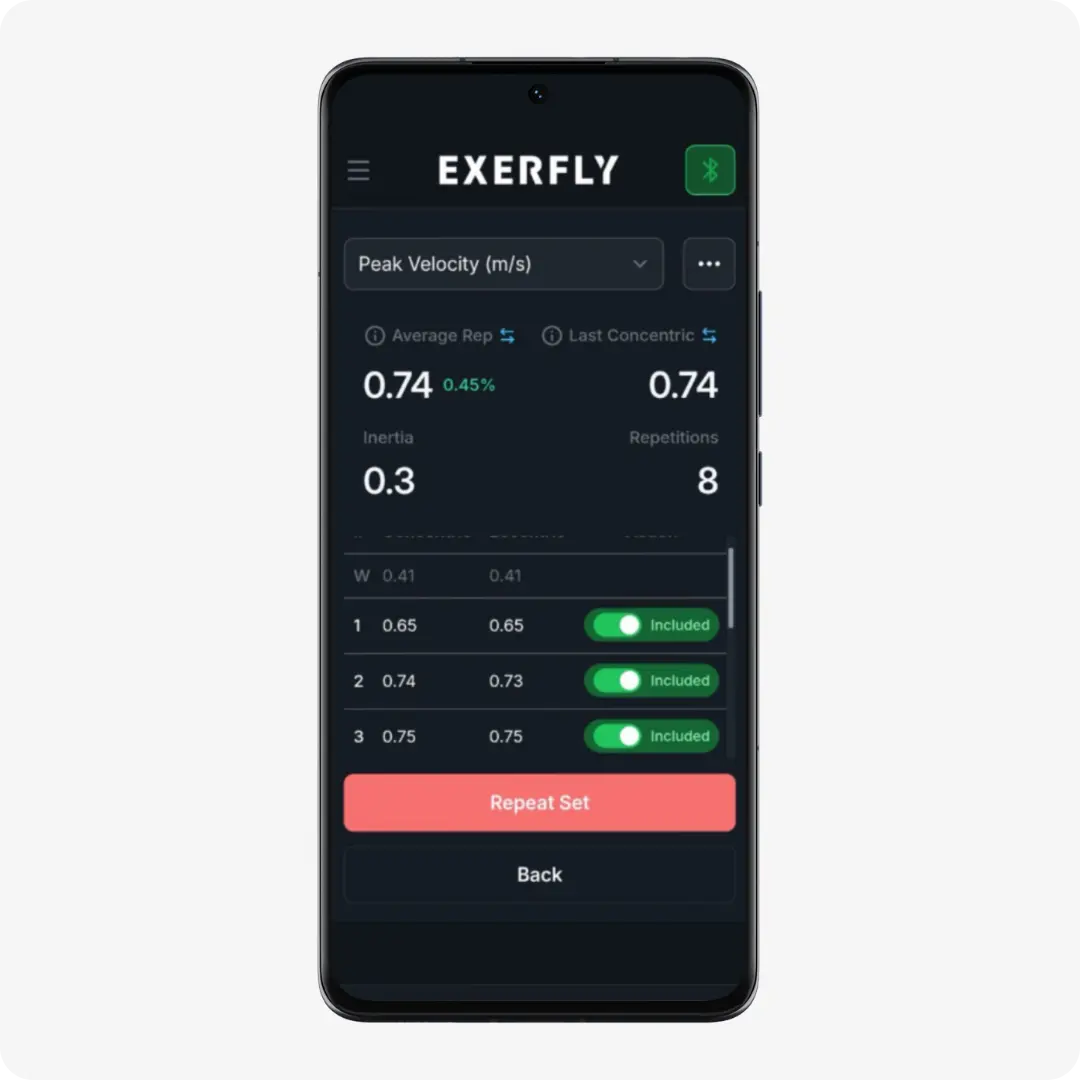
This can be useful when trying to calibrate your training session set-up. For example, here are a few common observations we’ve made when tracking outputs set-to-set:
- Noticeable drops in outputs can occur from one set to the next if rest periods are too short. You can try adding an extra minute or two of rest and see if the drop-off still occurs.
- If rest periods are not a factor, you can start to look at volume. For example, you may find that outputs start to drop-off after the 3rd set with an exercise, which is useful to known when designing sessions where high outputs and minimal fatigue are the goal.
- Alternatively, if your goal is to keep outputs high across sets with minimal drop-off, you can try methods such as cluster sets. Check out this previous blog on that topic here.
Summary
The Exerfly App provides a variety of outputs that can be used to inform and guide your flywheel training programs in multiple ways. This blog focused on within-session feedback, and how it can be used to set targets, drive effort, and manage fatigue.
Importantly, leveraging Exerfly App data for within-session feedback can be as simple as setting simple output targets with the Minimum Threshold feature and monitoring output drops with the Fatigue Loss feature. That alone can have an immediate impact on the quality of training and the insights you can gather over time.
Keep an eye out for upcoming blogs, which will cover the topic of using Exerfly App data for:
- Testing and Selecting Inertial Loads and
- Monitoring Training Progress
References
- Weakley, J., Cowley, N., Schoenfeld, B. J., Read, D. B., Timmins, R. G., Garcia-Ramos, A., & McGuckian, T. B. (2023). The effect of feedback on resistance training performance and adaptations: a systematic review and meta-analysis. Sports Medicine, 53(9), 1789.
.png)



Lorem ipsum dolor sit amet, consectetur adipiscing elit. Suspendisse varius enim in eros elementum tristique. Duis cursus, mi quis viverra ornare, eros dolor interdum nulla, ut commodo diam libero vitae erat. Aenean faucibus nibh et justo cursus id rutrum lorem imperdiet. Nunc ut sem vitae risus tristique posuere.